
01
Employee records
Keep employment, department, designation, manager, bank and document details in one structured profile.
Technology consulting and digital engineering for ambitious businesses
Payroll and workforce operations
PayrollX connects employee records, attendance, leave, salary rules and approvals so HR and finance teams can complete payroll with a clear, reviewable process.
One dependable workforce record
Device and manual attendance
Earnings and deductions
Protected employee access
Built from real operating workflows
The platform model supports the connected records and approvals required before, during and after every payroll cycle.
Keep employment, department, designation, manager, bank and document details in one structured profile.
Configure earnings, deductions, employer contributions, variable components and effective salary changes.
Run payroll by pay period with attendance, leave, overtime, arrears, reimbursements and loan recovery included.
Connect device punches, attendance logs, work locations and manual corrections with traceable sync history.
Manage shifts, rotations, employee schedules, holiday shifts, change requests and overtime approvals.
Set leave types, accrual rules, quotas and balances while routing requests and supporting files for approval.
Track benefit enrolment, employee loans, repayment schedules and expense claims through their full lifecycle.
Maintain employee documents and issue templated letters with approval, signature, PDF and email status.
Handle internal tickets by category, priority, department and SLA with comments, files and resolution feedback.
Publish targeted notices and assign tracked tasks with reminders, comments, attachments and activity history.
Control access through roles and permissions, record profile requests and retain a detailed audit trail.
Maintain tax, statutory compliance, pay codes, bank accounts and offline payment methods by company.
Inside PayrollX
Explore the dashboard, payroll processing, attendance, employee services, compliance and reporting experience.
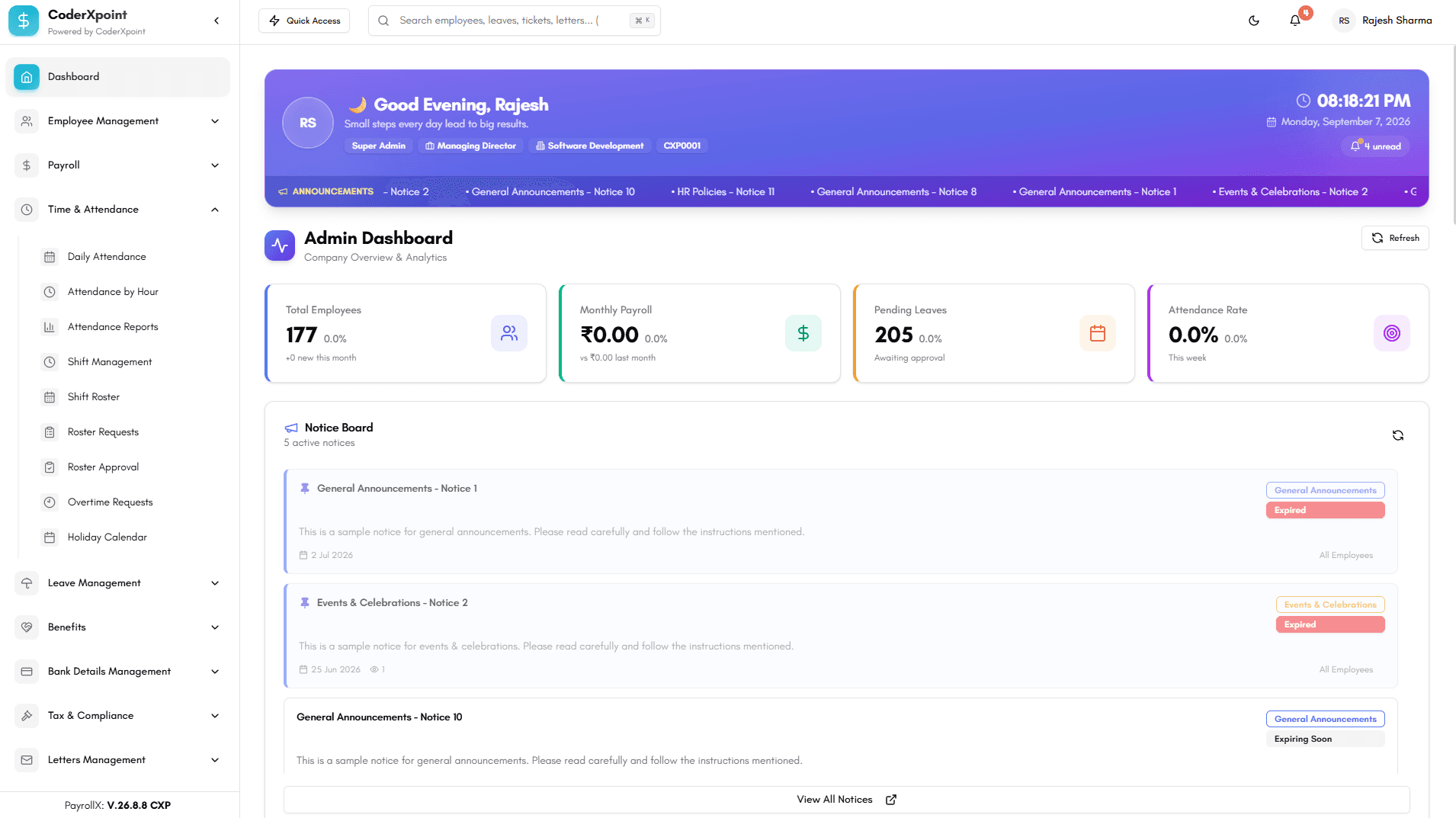
Monitor employee totals, payroll activity, pending leave and attendance from one operational dashboard.
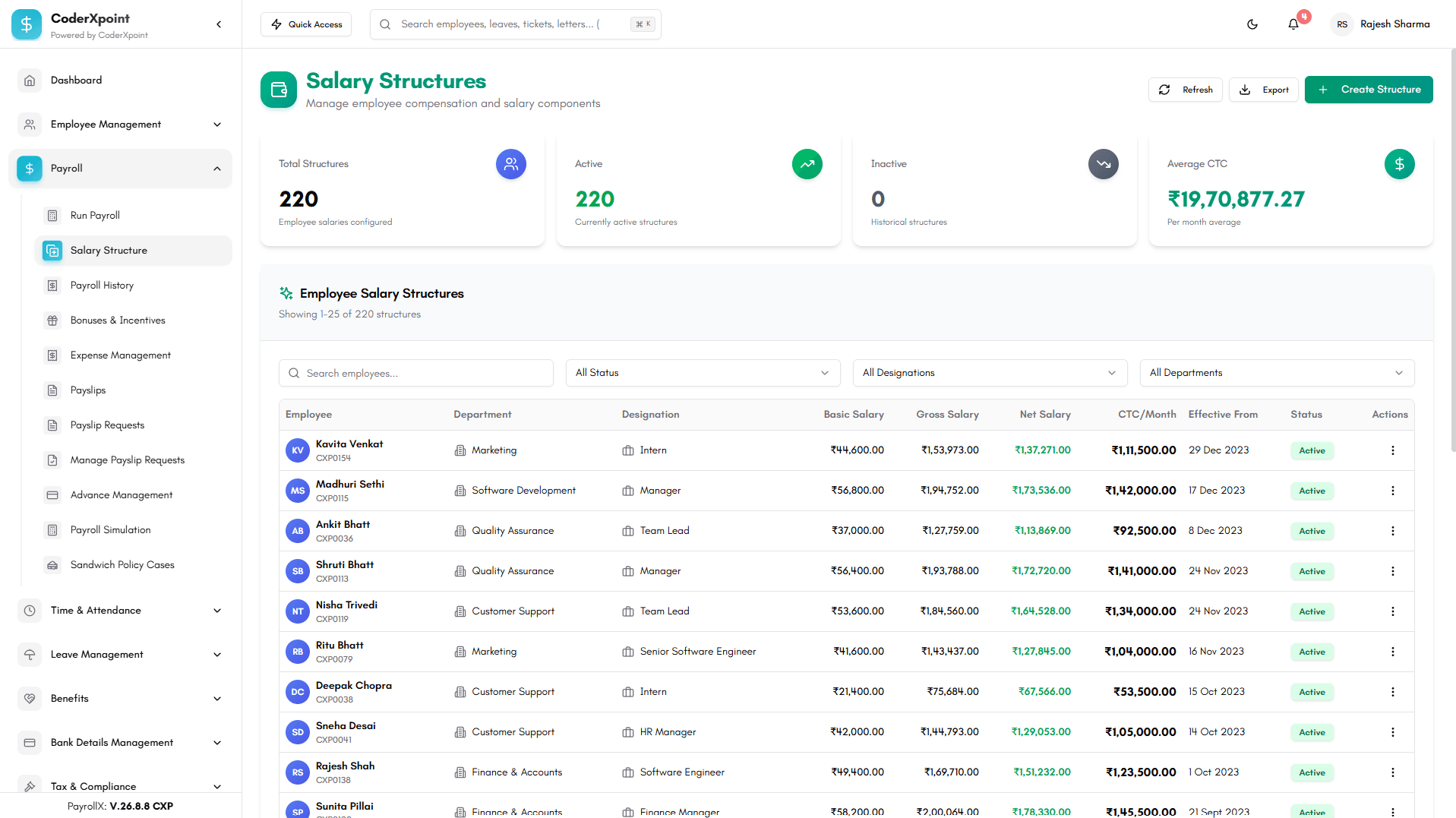
Prepare and review the complete pay cycle with structured earnings, deductions and approvals.
Review attendance records, shifts, overtime and leave information before payroll processing.
Generate secure employee payslips and keep salary documentation available in one place.
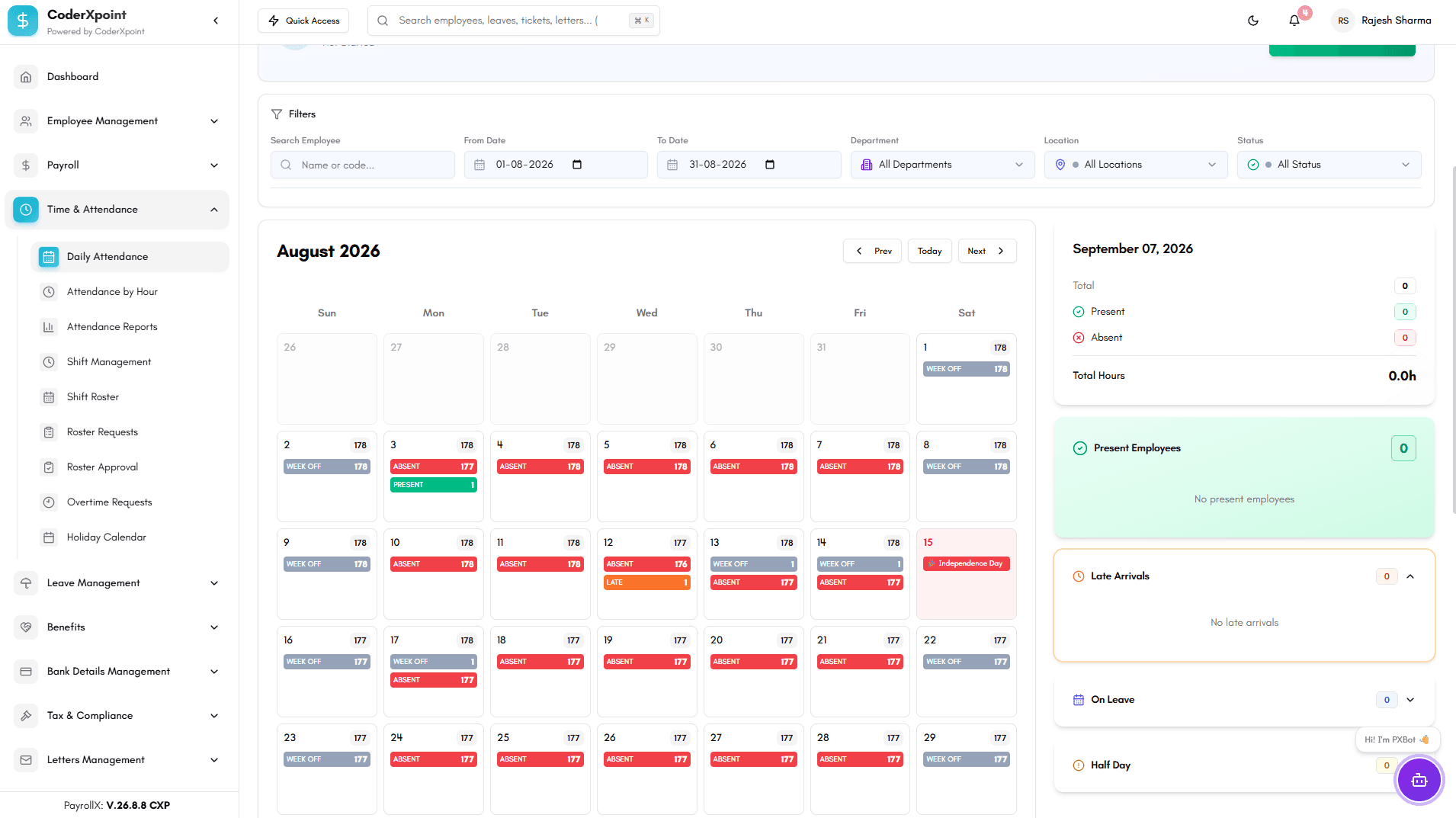
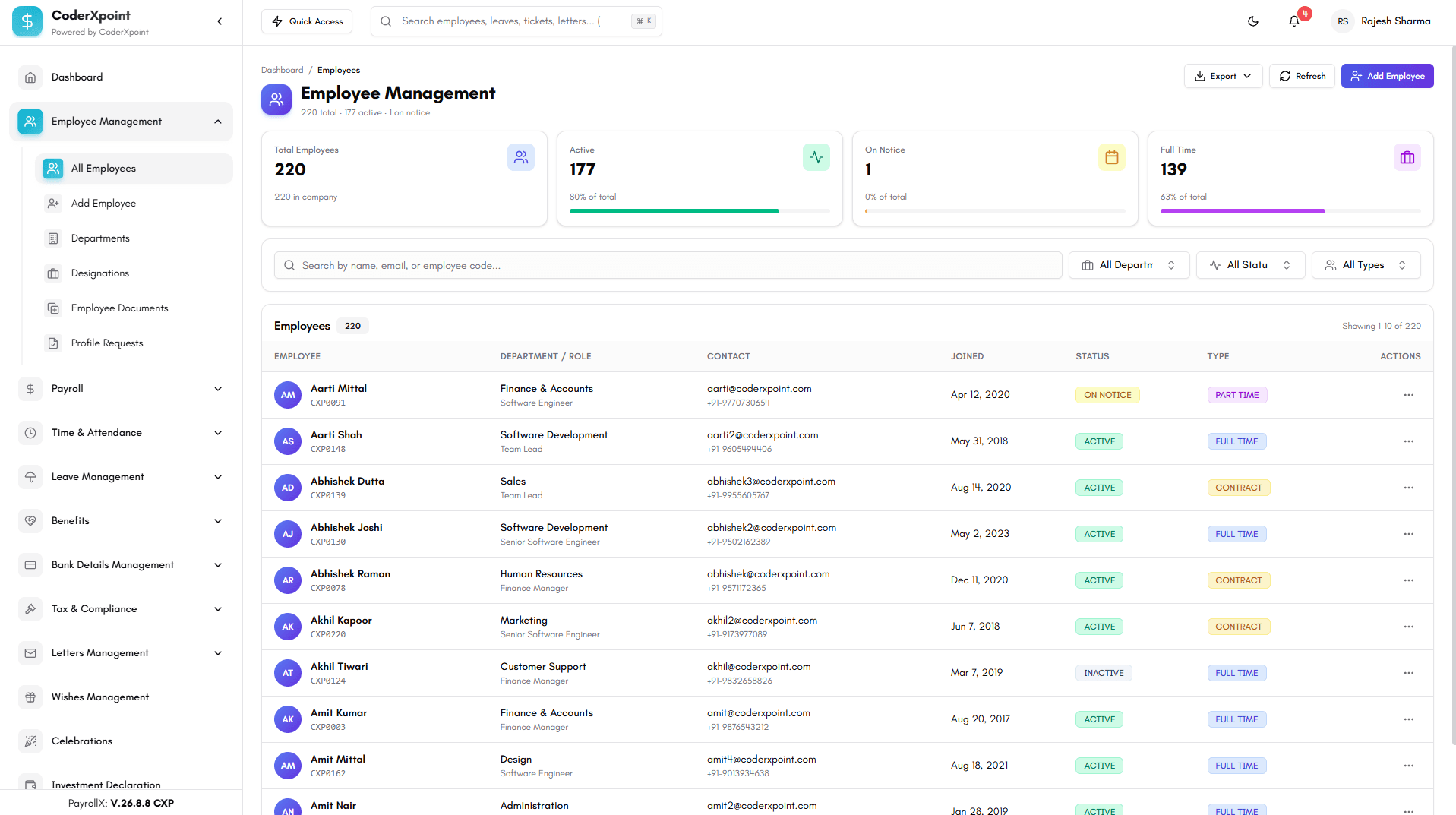
Maintain structured employee profiles, job information and employment records.
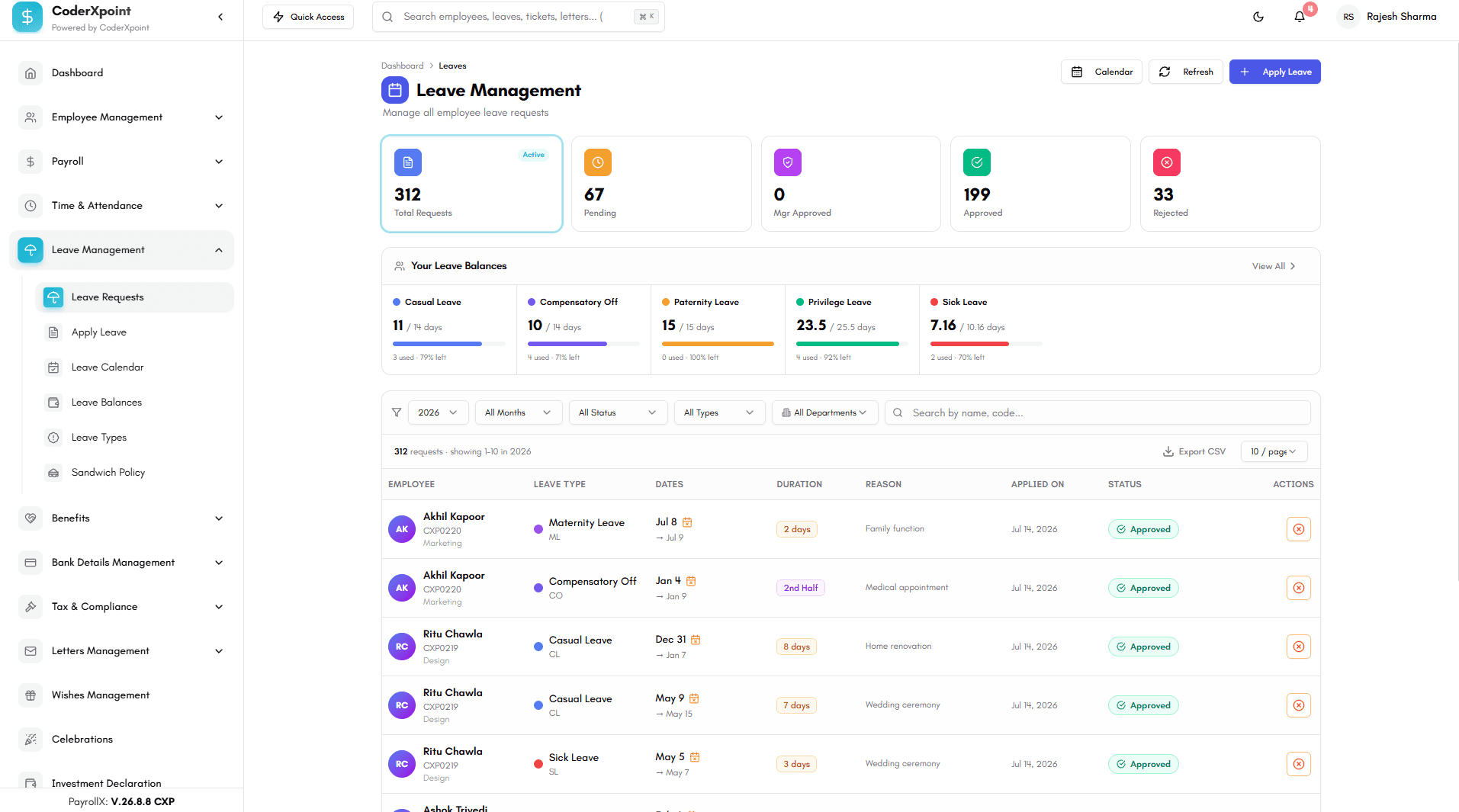
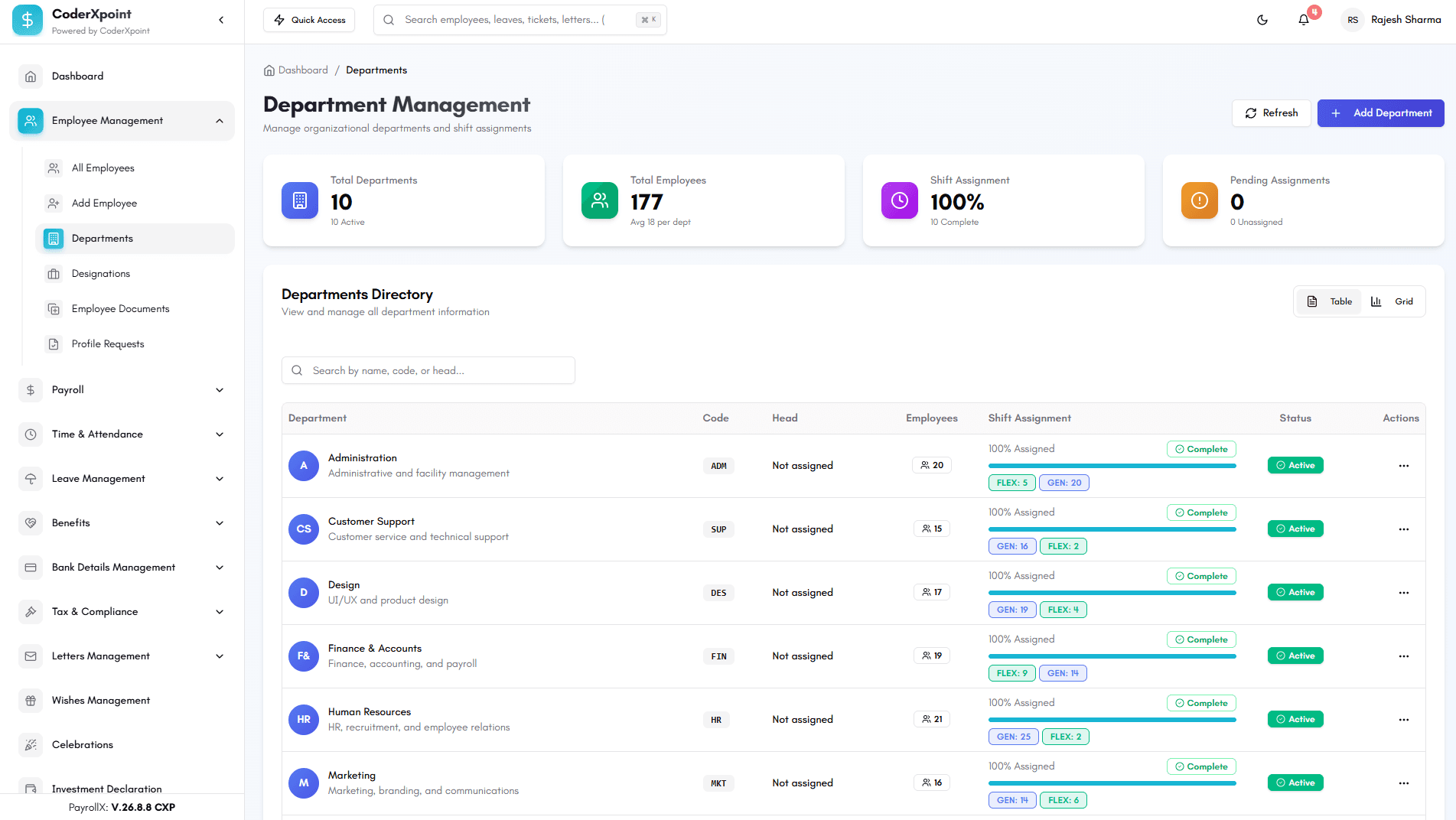
Configure policies, balances and approval workflows across the organisation.
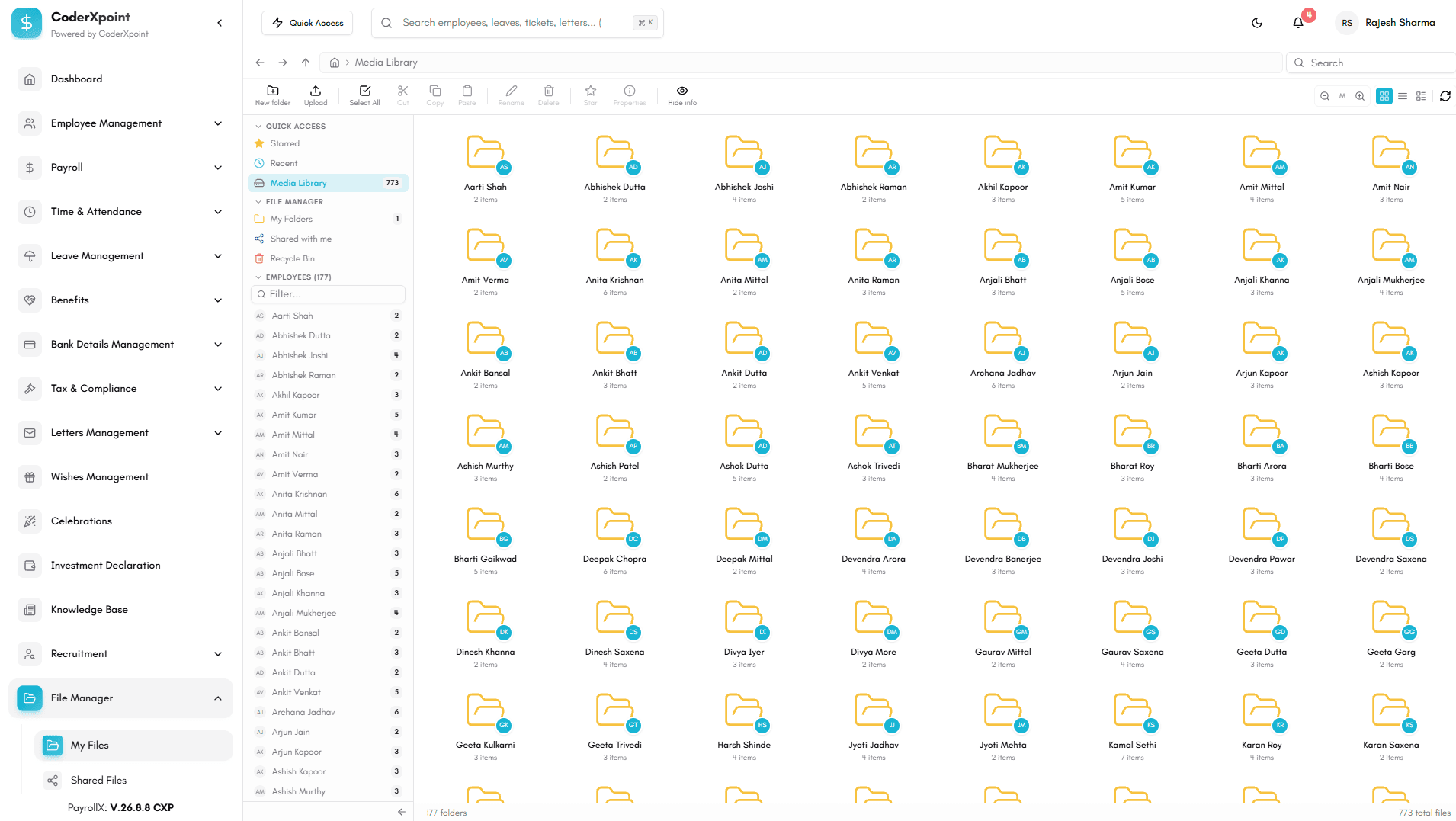
Manage statutory settings, tax rules and the records behind every payroll run.
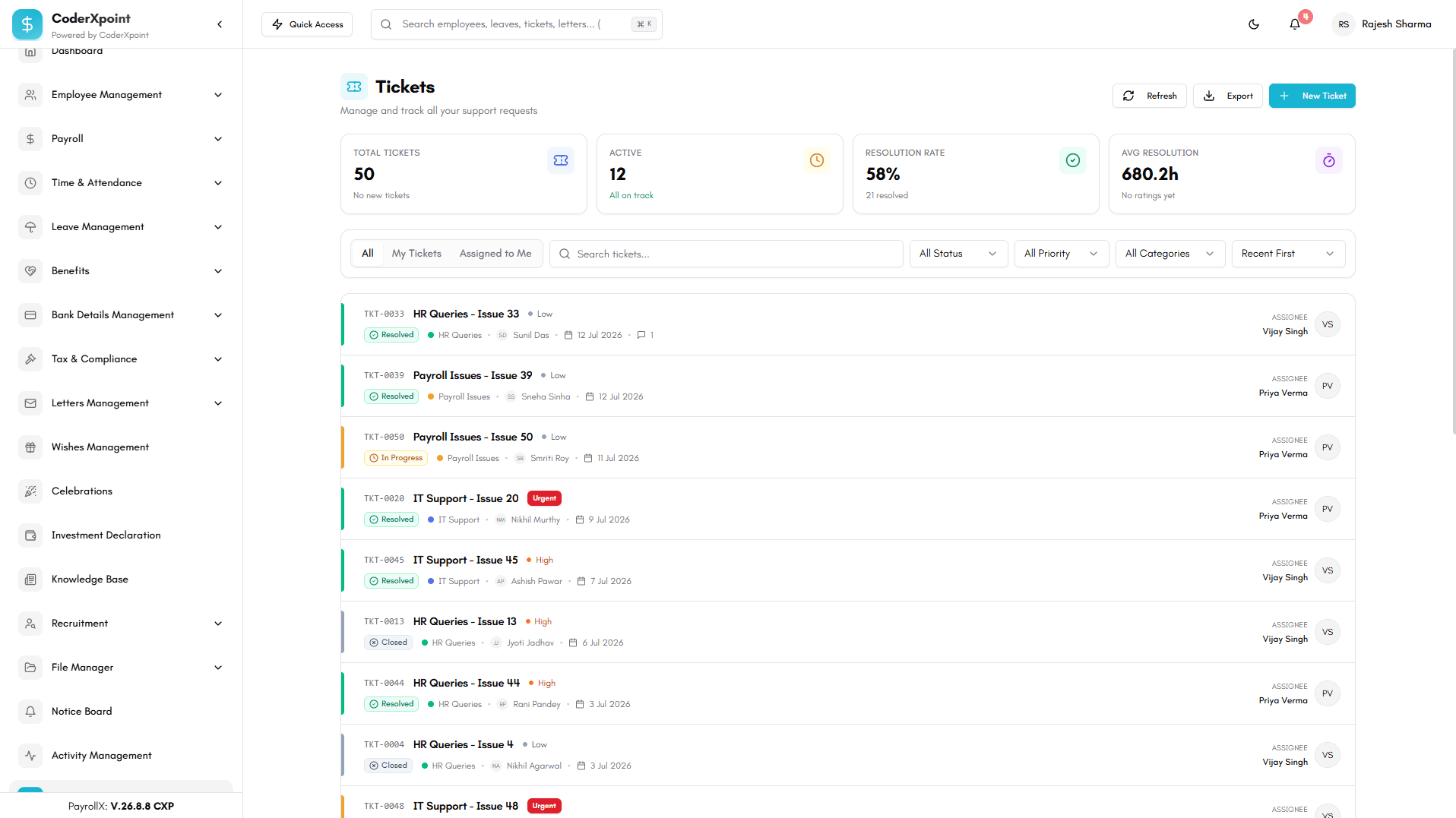
Turn workforce and payroll records into clear operational reports for review.
A connected pay cycle
Each stage uses the operational data captured in PayrollX, giving reviewers a clearer path from source record to final output.
Confirm employee, bank, salary and payroll-cycle data.
Bring together attendance, leave, shifts and overtime.
Apply earnings, deductions, tax, benefits and recoveries.
Check the pay run, approve exceptions and finalise net pay.
Issue protected payslips and retain payroll history.
Payroll calculation context
PayrollX stores the inputs behind earnings, statutory fields, recoveries and attendance-based adjustments instead of treating the final number as a black box.
Basic, HRA, DA and configurable allowances
Bonus, commission, overtime and reimbursements
PF, ESI, professional tax and TDS fields
Loan repayment, advances and other deductions
Loss-of-pay, paid leave, holidays and week-offs
Employer PF, ESI, gratuity, CTC and net pay
Controls around the workflow
HR, finance, managers and employees work with different responsibilities. PayrollX supports role permissions, approvals, notifications and audit logs across those workflows.
Assign permissions around the work each role performs.
Retain approvers, timestamps and decision status.
Configure email, SMS and workflow notifications.
Record important changes and the user behind them.
PayrollX FAQs
Clear answers about payroll inputs, attendance, employee access and operational controls.
Ask our product teamPayrollX connects employee records, salary structures, attendance, shifts, overtime, leave, payroll runs, deductions, statutory fields and payslip delivery in one workforce operations platform.
Yes. Payroll runs can use working days, present and absent days, paid and unpaid leave, holidays, week-offs, overtime hours and loss-of-pay adjustments.
Yes. The platform supports biometric devices, employee-device mapping, attendance logs, device sync history and the review of unmatched or invalid attendance records.
Teams can maintain fixed and variable earnings, allowances, bonuses, commission, overtime, PF, ESI, professional tax, TDS, employer contributions, gratuity, loans and other deductions.
Yes. PayrollX supports protected payslip files, controlled employee access, access requests, expiry rules, delivery status and download history.
Yes. Role permissions, approval records, timestamps, notifications and audit logs help organisations review who performed or approved important workforce and payroll actions.
Start a conversation
Tell us what you are building, improving or exploring. Our team will review your requirements and respond directly by email.